
Working with data across several Google Sheets can feel tiring. You want a clear answer, but instead you jump between tabs, copy numbers, fix formatting, and hope your formulas hold together. Most people keep their data spread across several Google Sheets. One sheet has sales numbers, another has marketing data, another holds budgets, and then there are subsheets inside each file. When you try to analyze everything together, it becomes overwhelming.
The good news is that AI now makes this process much easier. You can upload your sheets, give a simple prompt, and get a full analysis in seconds without coding or formulas. This guide will show you how it works and how tools like EasyAIBridge save you hours of manual work.
Why Analyzing Multiple Google Sheets Is Difficult
Google Sheets is excellent for storing data, but it is not designed for deep multi sheet analysis. Once you start pulling from several sheets at once, things get complicated very quickly. In the grand scheme of things, this slows down teams and makes it hard to find accurate insights. You spend more time fixing the sheet than understanding the data.
Some common problems include:
- Data spread across spreadsheets and individual tabs
- Numbers stored in different formats
- Broken IMPORTRANGE connections
- Slow loading when sheets get large
- Confusion over which version of the data is correct
- Formulas that break when someone edits a cell
How EasyAIBridge Fixes This Problem Instantly
Google Sheets can definitely help with the basics, but once your data grows, things start slowing down. You jump between tabs, lose track of which file has the updated numbers, and the whole process becomes more tiring than it needs to be.
This is where EasyAIBridge steps in and makes everything feel lighter. Instead of digging through each sheet yourself, AI reads your files like a human would and draws valuable conclusions that actually address human needs. You can upload several sheets at once, and it understands what each one contains. It becomes easy to combine information, compare sources, and see patterns that normally take a long time to find.
With a tool like EasyAIBridge, you can:
- Analyze multiple Google Sheets together
- Pull insights from parent sheets and subsheets
- Compare different files side by side
- Clean and organize messy data automatically
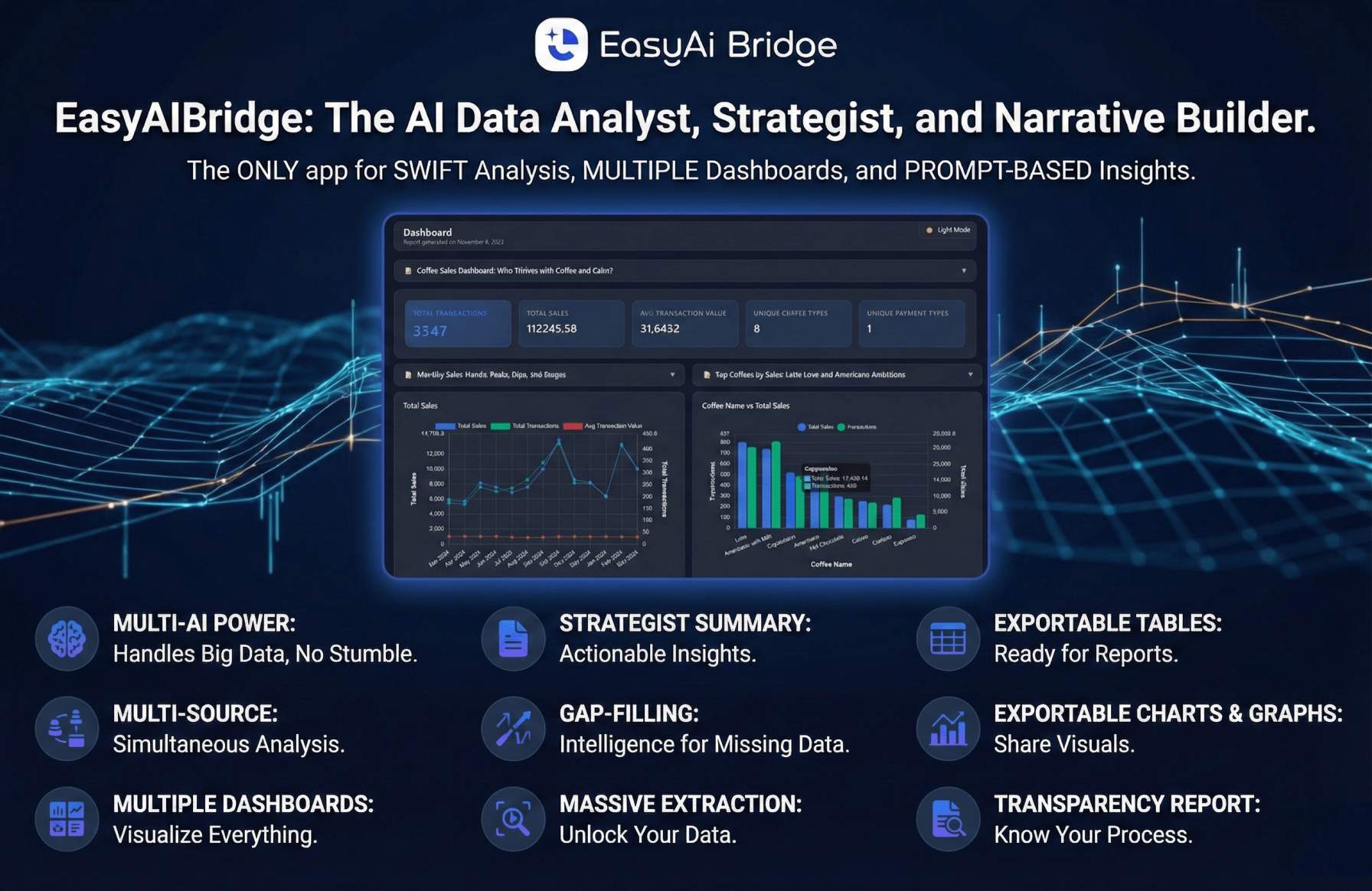
- Generate charts and summaries within seconds
- Use simple prompts to run a full analysis
Did you know? When using EasyAIBridge for data analysis and visualization, your prompt has all the power. Something simple like “compare these sheets and show the trends” is enough. EasyAIBridge does the rest.
How to Use EasyAIBridge to Analyze Multiple Sheets Step by Step
If you’re new to data analysis or data visualization, it can feel overwhelming to figure out where to start. The good news is that EasyAIBridge keeps things simple. There are only four core steps you need to follow. Once you connect your data, you can ask questions, run commands, and review insights without touching a single formula.
1. Upload Your Google Sheets
You start off by selecting and uploading your data. You can connect EasyAIBridge directly to your Google Sheets account and access all your online sheets from one place. This is great for when you want to go back and forth between synced sheets to analyze different datasets.
If you also have data saved offline, you can upload CSV or Excel files straight from your computer. Once your files are in, the platform automatically reads the structure and prepares everything for analysis.
2. Tell the AI What You Want
Once your data is uploaded, it’s time to ask precise questions to get the answers you need. Type a simple command such as:
- “Combine these sheets and summarize.”
- “Compare performance across all files.”
- “Give me a visual dashboard.”
No technical language needed.
3. Review the Insights
The AI gives you:
- Clean summaries
- Comparisons
- Trends
- Charts
- Dashboards
- Plain-language explanations
Everything updates instantly, so you can experiment with different prompts.
4. Export or Share
Once your dashboard or summary looks good, you can export it or share it with your team. EasyAIBridge lets you share dashboards in HTML, while reports are available in both HTML and PDF formats.
What Makes AI Analysis Better Than Manual Work
A lot of people start with Google Sheets because it feels simple and familiar. You can enter numbers, add formulas, and build small trackers without much hassle. But as soon as the data grows, things get messy fast. Suddenly, you’re juggling too many tabs, fixing formulas, or trying to figure out why one tiny mistake threw off an entire chart.
That’s usually the moment when AI becomes a game-changer. Here’s how:
- You save hours that would have gone into sorting, cleaning, and checking formulas.
- No more endless copy-pasting between sheets just to keep things updated.
- You don’t have to worry about formula mistakes or broken references.
- You don’t need technical training to understand your own numbers.
- You get clean dashboards even if you have never created one before.
Did you know? EasyAIBridge treats your entire set of sheets as one connected story. Instead of scattered data spread across random tabs, you get clear insights in seconds. That level of clarity simply isn’t possible with Google Sheets alone once your data starts scaling.
When You Should Use AI Data Analysis Instead of Google Sheets
Sometimes, Google Sheets can be a great tool for certain needs, but it won’t be there for you in every situation. As you scale, your requirements will change. You should consider AI if:
- You handle multiple sheets regularly
- You create reports for managers, clients, or classwork
- You struggle with formulas
- You want clean visuals without manual editing
- You want insights instead of just numbers
Final Thoughts
You don’t need to be a data expert to understand your numbers. With AI tools like EasyAIBridge, analyzing multiple Google Sheets becomes simple, fast, and stress-free. You upload your files, type a clear prompt, and the tool handles everything. Whether you’re a student, freelancer, manager, or small business owner, AI gives you clarity that normally requires experience, formulas, and long hours.
Now, your data can finally explain itself while you get to work on the things that matter.
FAQs
- Can I use AI to analyze multiple Google Sheets at the same time?
Yes. AI tools can read several sheets and combine them into one analysis instantly. - Do I need formulas for this?
No. You only need to upload your sheets and give a simple prompt. - Does it work if my sheets are unorganized?
Yes. AI can still understand and clean your data automatically. - Can I create dashboards from multiple sheets?
Absolutely. Tools like EasyAIBridge generate dashboards in seconds. - Is EasyAIBridge useful for beginners?
Very much so! With EasyAIBridge, you don’t need technical skills, and the AI explains everything in simple language.