
Easy File Renamer
See how Easy File Renamer helps you organize files at lightning speed across local and cloud storage.
Rename, organize, and move thousands of files effortlessly — whether they're on your PC, Mac, or in the cloud.
See how Easy File Renamer helps you organize files at lightning speed across local and cloud storage.
A carefully designed set of tools and modules to simplify complex tasks — all in one intuitive interface.
Rename files with smart rules like find/replace, number sequences, and file attributes.
Clean up your MP3 tags, edit metadata, and auto-rename songs by artist, album, or title.
Use the included Cloud File Renamer service to rename files on Google Drive, Dropbox, etc., without downloading.
Shift entire folders or datasets with a click. No overwriting. No chaos. Just clean movement.
Join a global community of users who rely on Easy File Renamer.
One tool. Many ways to stay organized.
Managing files shouldn’t be a full-time job. Whether you're working with documents, images, videos, or music files — Easy File Renamer (EFR) empowers you to rename, organize, move, and copy thousands of files in just a few clicks. It’s fast, reliable, and designed for anyone who values their time and is looking for efficient solutions.
The Renamer Module makes it easy to batch rename files using a rich set of predefined rules. Change filenames based on date, sequence numbers, text replacement, or even file attributes.
Cloud File Renamer lets you rename files without downloading them to your PC. Simply log in, select the files you want to rename, and apply the same powerful rules available on your computer.
Say goodbye to poorly tagged music files. The Music Fixer module supports MP3/ID3 tag editing for ID3v1, ID3v2.3, ID3v2.4, as well as iTunes tags. Edit song details in bulk.
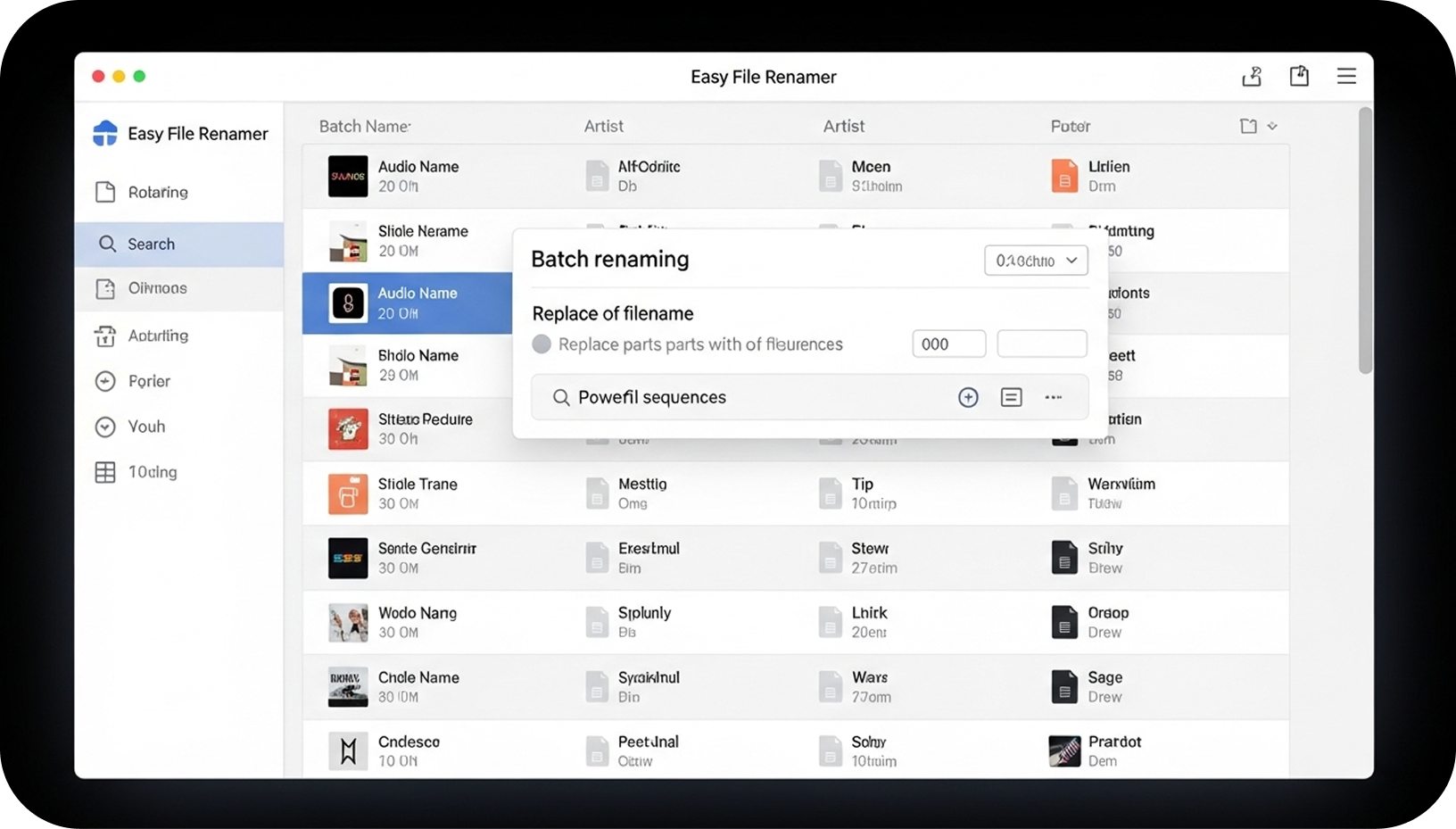
Everything you need to know before using Easy File Renamer.
Yes. Easy File Renamer works locally on your computer and never shares your files online unless you explicitly use the Cloud File Renamer feature. Your data remains private and secure.
Absolutely. You can batch rename files using more than 10 smart rules, including text replacement, numbering sequences, dates, and file attributes for fast, consistent renaming.
Yes. The Music Fixer module allows you to clean up MP3 tags, edit metadata, and automatically rename songs by artist, album, or title. It supports ID3v1, ID3v2.3, ID3v2.4, and iTunes tags.
Yes. The Cloud File Renamer lets you rename files on platforms like Google Drive, Dropbox, and others without downloading them to your PC. All rules available locally can be applied directly in the cloud.
Absolutely. Easy File Renamer lets you move or copy entire folders or datasets with one click—no overwriting, no chaos, just clean file management.
No. All file operations happen on your device. Cloud renaming is optional and secure, and your local files are never stored or shared without your consent.
Use Easy File Renamer today and experience efficient file management.