
Cloud File Renamer
See how fast and secure bulk renaming is — right from the browser.
Rename files in Google Drive, Dropbox, OneDrive, and Amazon S3 — directly in your browser. No downloads, no delays, just bulk renaming with full control and real-time previews.
See how fast and secure bulk renaming is — right from the browser.
Rename files across your cloud storage with powerful rules — no installation, no local processing.
Nothing to install, ever. Use it from any device with a browser.
CFR doesn't access file contents or store your credentials. Your data stays yours.
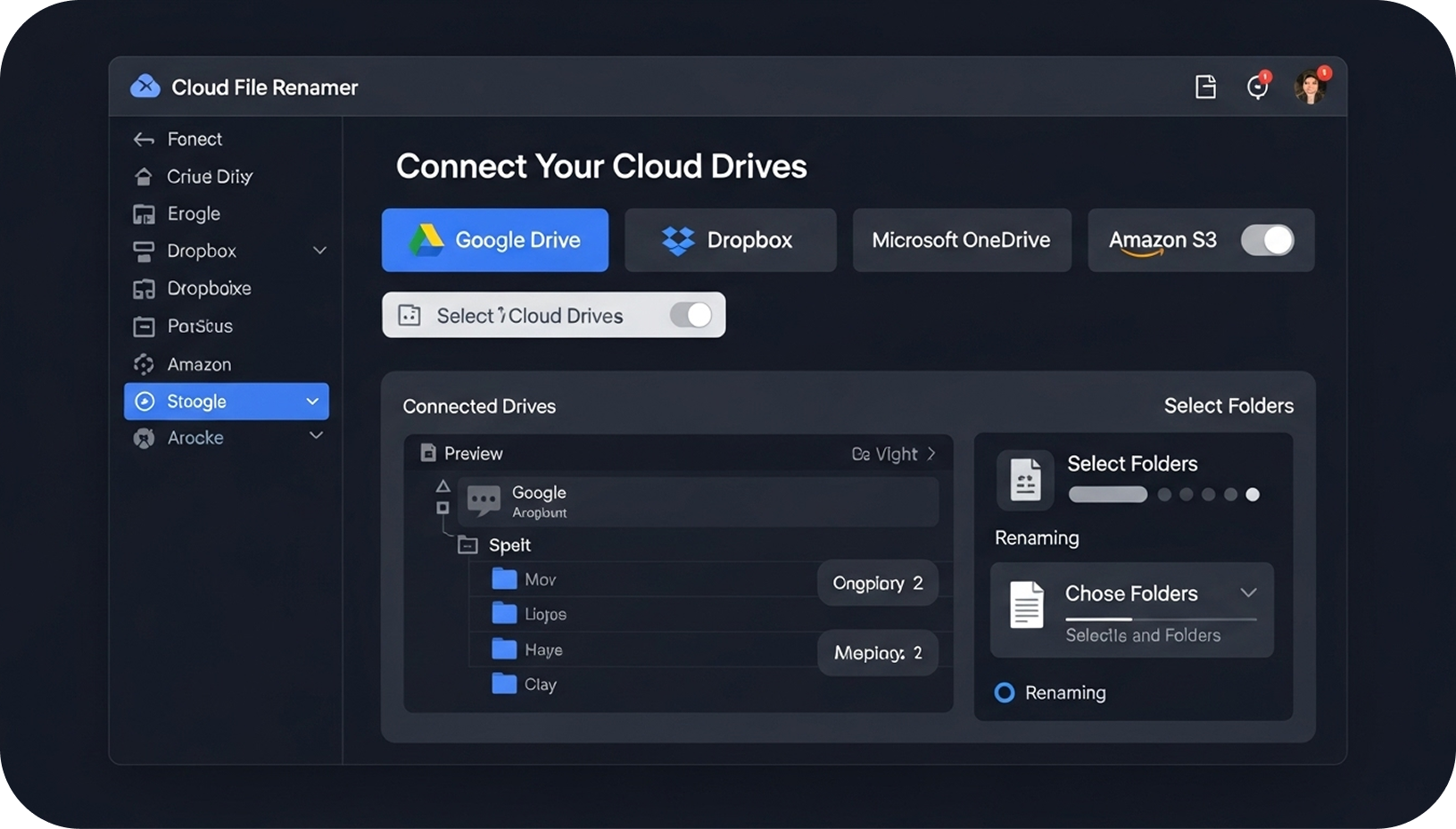
Connect Google Drive, OneDrive, Dropbox & more to rename files seamlessly.
Apply smart renaming rules, preview instant results, and rename in a single click.
Join a global community of users who rely on Cloud File Renamer.
Everything you need to rename cloud files faster, better, and smarter.
Easy Cloud Manager (ECM) is a fully web-based tool that helps you transfer data between major cloud platforms in one place. You can view your data side-by-side and easily transfer on demand or set up an automatic transfer schedule.
Using enterprise-grade encryption, API-based access, and flexible pricing plans, ECM is built for both individuals and organizations looking for a secure, scalable cloud management solution.
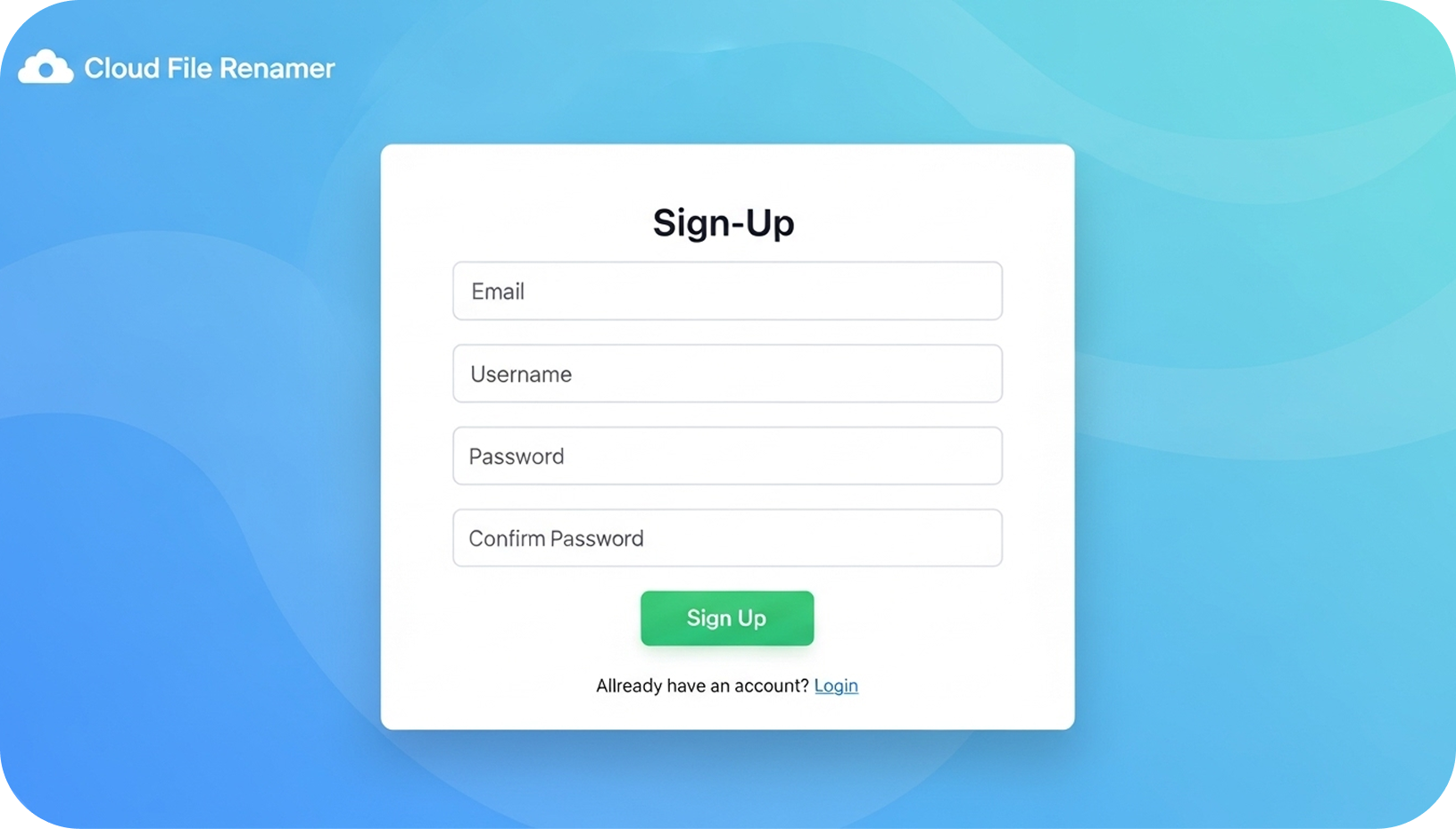
Choose the signup method that works for you:
Connect the platforms you use:
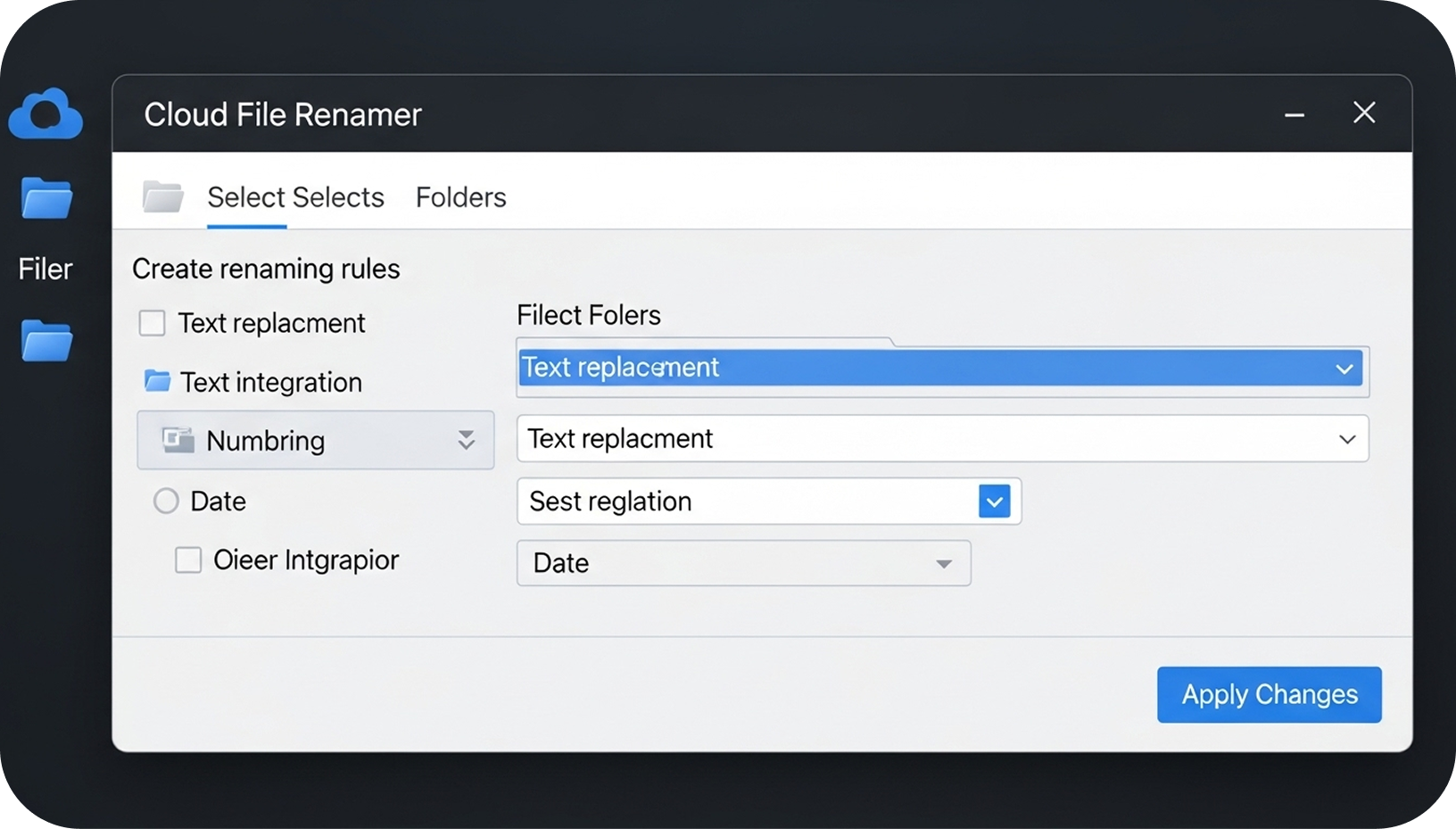
Once files are loaded, you can:
Everything you need to know before using Cloud File Renamer.
Yes. Cloud File Renamer works entirely online—there’s nothing to download or install. You can access it from any device using a web browser.
Absolutely. CFR never accesses the contents of your files and does not store your login credentials. All operations run through secure, API-based authentication, keeping your cloud data fully private.
CFR supports all major cloud platforms, including Google Drive, Microsoft OneDrive, Dropbox, and Amazon S3. More platforms are continuously being added.
Yes. CFR includes powerful batch-renaming tools that let you select multiple files or entire folders and apply rules instantly—with a full preview of the changes before applying them.
You can build flexible rules such as replacing text, adding numbering, inserting dates, trimming characters, and more. CFR gives you full control over how your files are renamed.
Yes. Every rule you apply shows an instant live preview, allowing you to review all changes before finalizing them.
You can sign up using your Google account, Microsoft account, or a simple email registration—whichever option you prefer.
Use Cloud File Renamer today and experience efficient file management.